
INDIANA MEDICAL HISTORY MUSEUM
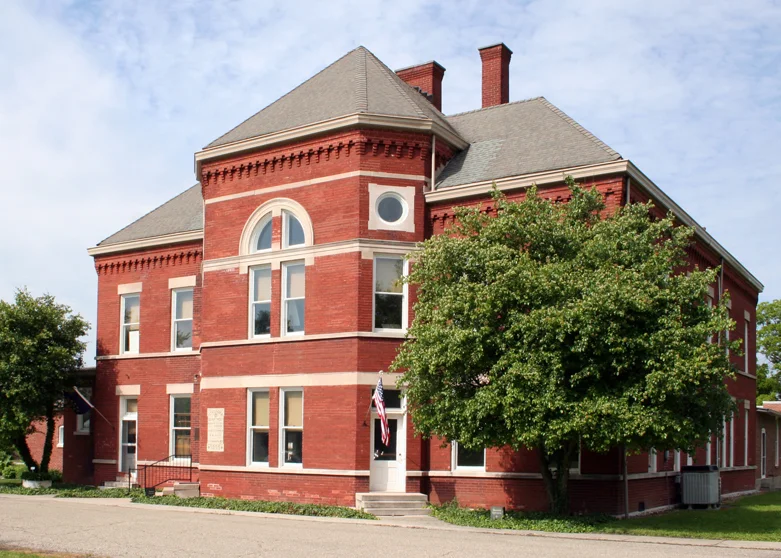
The Indiana Medical History Museum, a non-profit, relies on their guided tours for operations. Due to these limitations, the museum cannot implement assistance for those with hearing impairments. They rely heavily on volunteers for these tours and finding volunteers with the ability to speak ASL proves to be very difficult. This puts limitations on the visitors to the museum and since the IMHM is not as large as many other museums in Indianapolis, this is not ideal.
In order to open up the museum to a new demographic of people, a mobile application to supplement the guided tour for those with hearing impairments was proposed. This application would be accessible for this group of people at the museum and enable them to take the tour with the supplemental application provided.
Integrating technology into this establishment would be something that helps the efforts of the museum and could possibly bring them more attention and in turn, funding for operations and programming.
This project was awarded grant funding through the museum by the Indiana Humanities Council and is now in use at the Indiana Medical History Museum!
OBJECTIVES
- Create an application to both supplement the current guided tour at the IMHM and make it accessible for those individuals who are deaf and hearing impaired.
- Bring new visitors to the museum.
- Integrate technology to the museum.
- Contribute to a deserving non-profit.
- Strengthen design skills and processes.
METHODS USED
- User research
- Brainstorming, sketching, paper, and high fidelity prototyping
- User testing
- System Usability testing using SUS
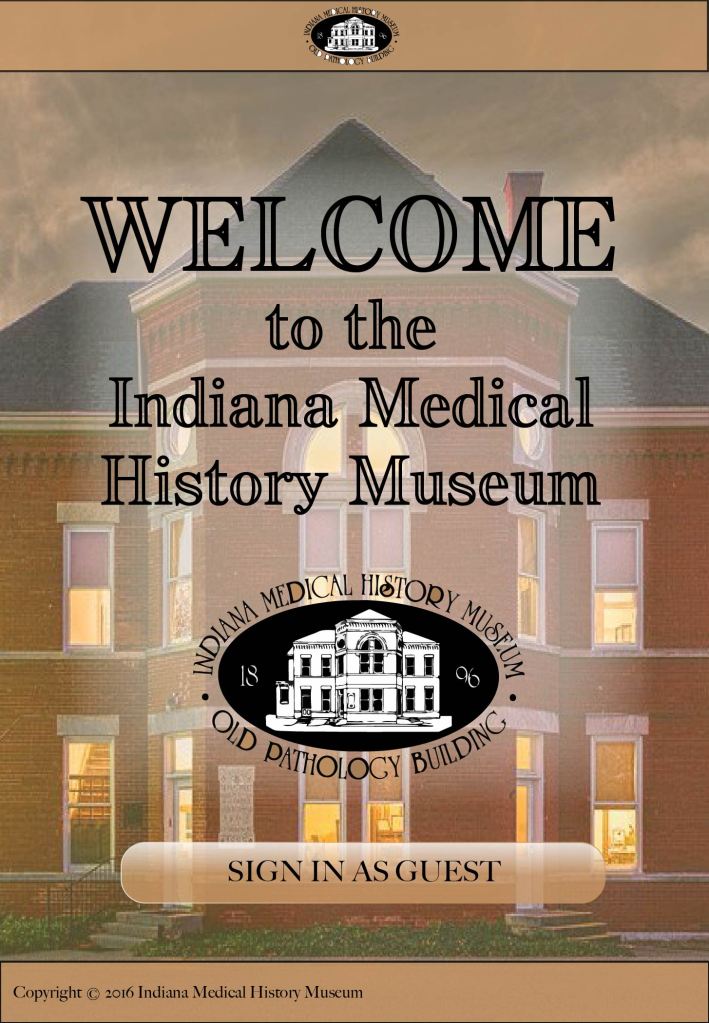
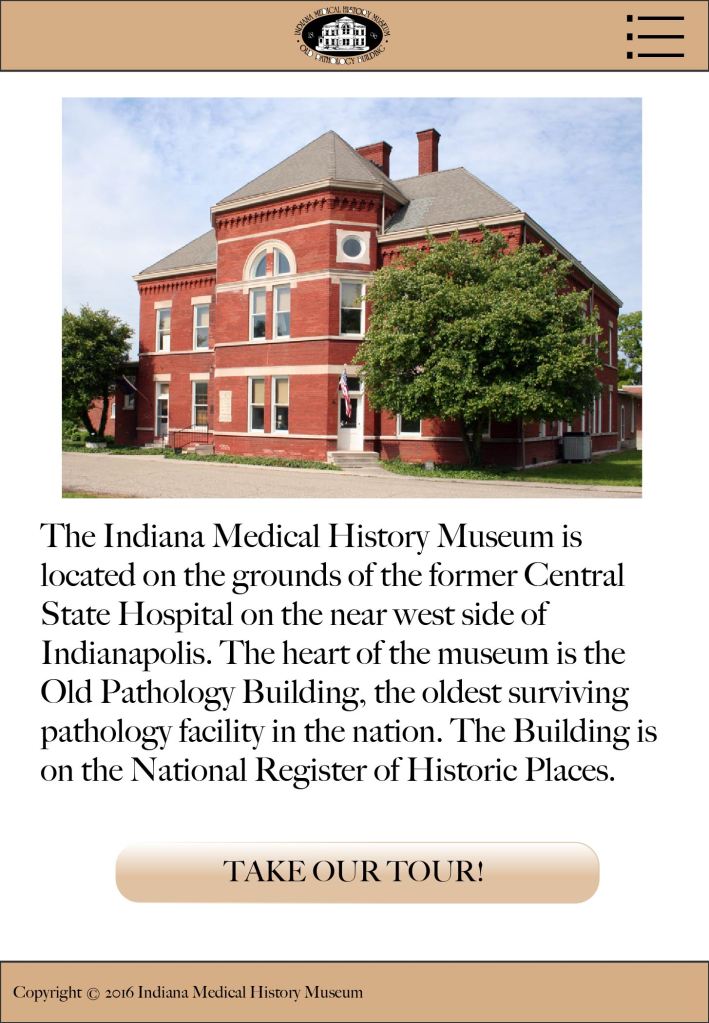
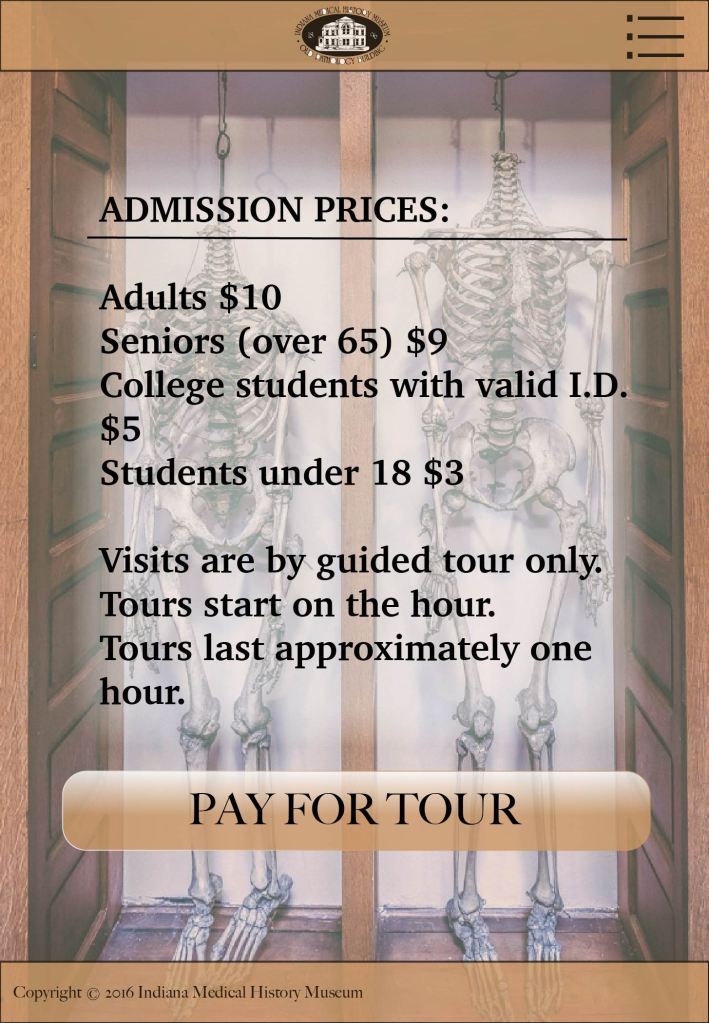
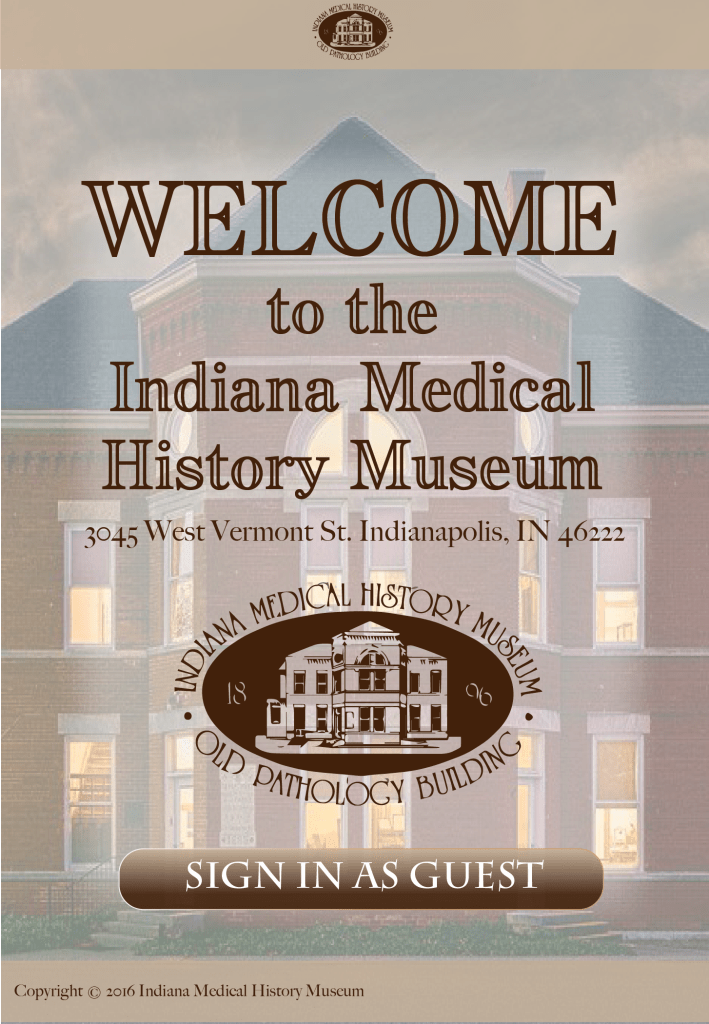
First iteration of the UI
EMPATHIZE
In order to fully understand the requirements of this application, interviews were conducted with the stakeholder and individuals with hearing impairments. This was accompanied with research on current solutions for other tours and museums. Multiple tours at the IMHM were recorded in order to transcribe them and create a uniform script for both a written transcript and ASL translations. From this information, we could see exactly what we needed the application to do and requirements were defined.
DEFINE
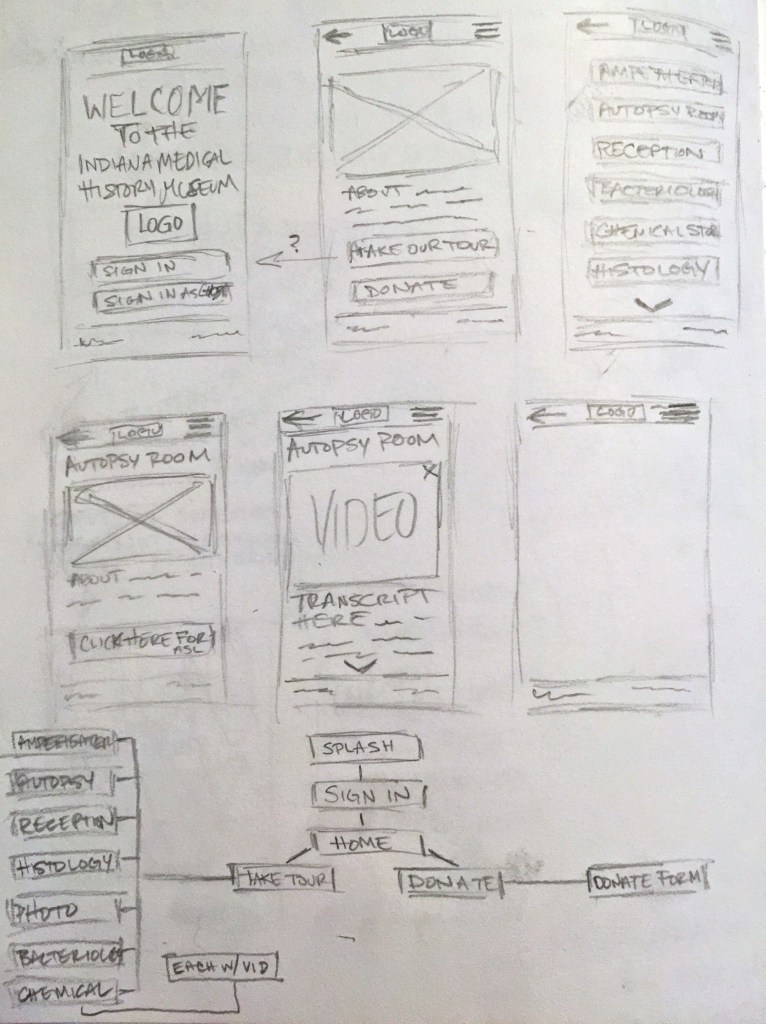
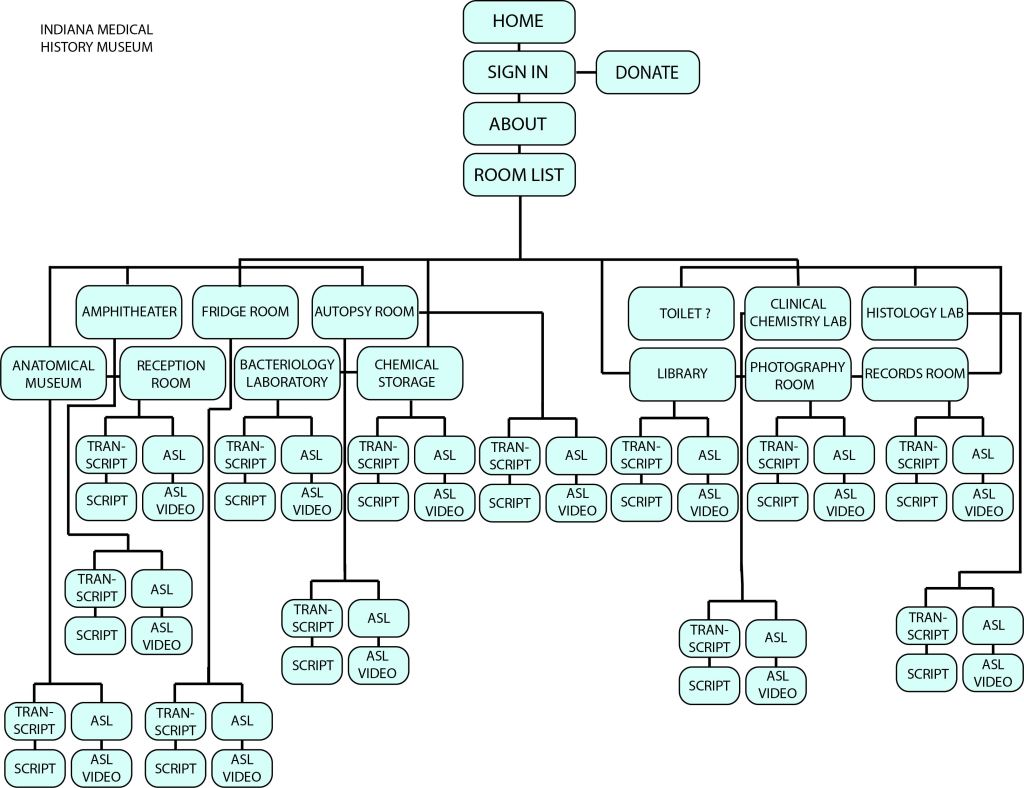
After requirements were defined, transcription started and rough wireframes were made to visualize user flow and function.
IDEATE
When the architecture was established from the wireframes and sitemap, storyboards were created to show the use of the application in context to the museum space.

PROTOTYPE
Once the stakeholder could see the framework of the application and was able to view it in context a physical prototype was built. This enabled the user to interact with an object in relative proportion to the device the would be used. The application was styled after the IMHM’s webpage in an effort to keep a consistent brand.

The iPad structure was chosen due to the resources the IMHM currently has available.
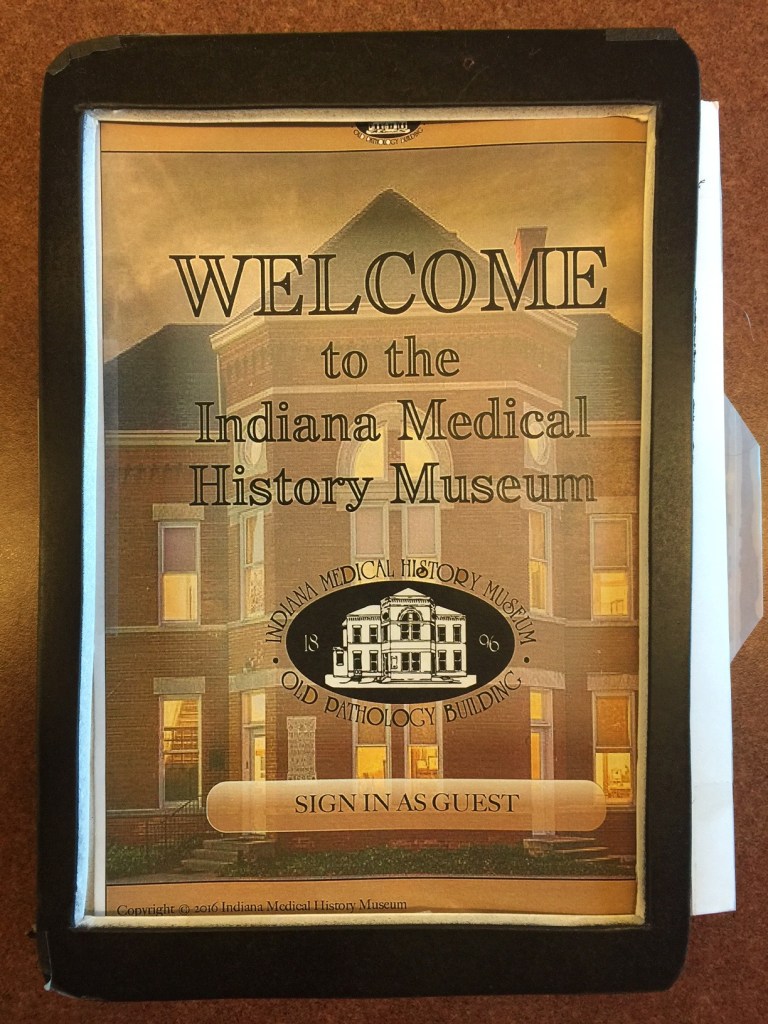
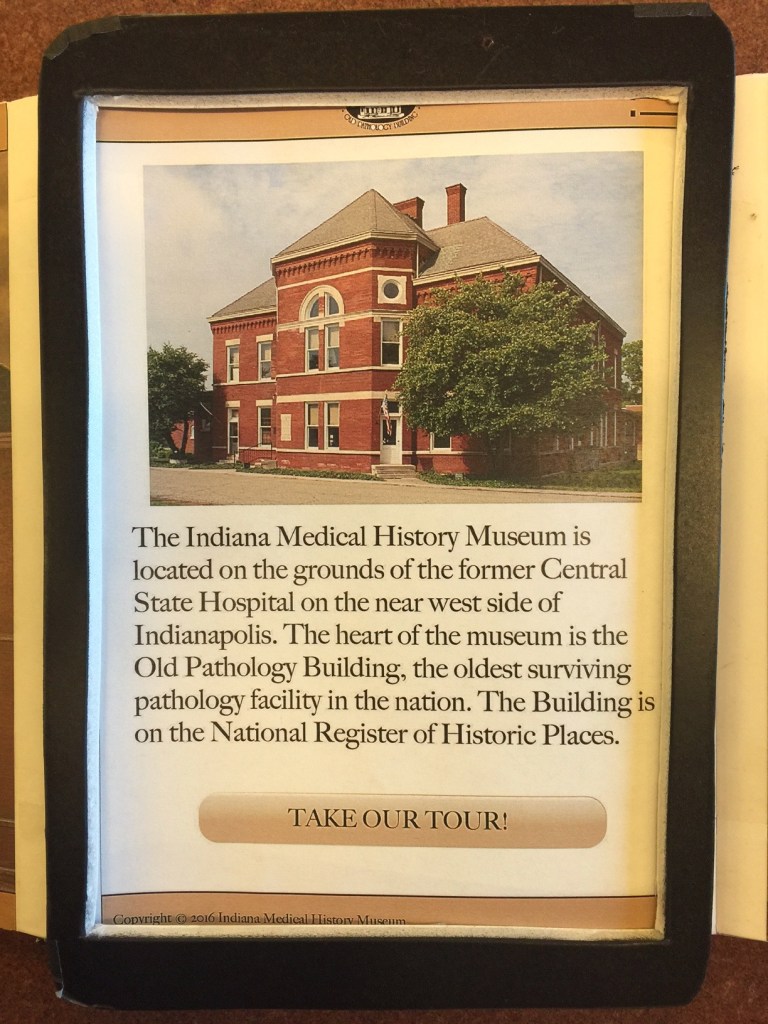
After conducting a set of three informal walkthroughs of the low fidelity prototype and consulting with the IMHM the payment screens were removed completely. The legibility on the landing page was also brought up and addressed in the second iteration. In addition to these changes, more imagery was included in the second iteration to make the application more visually interesting and more informational. The second iteration addresses these issues.
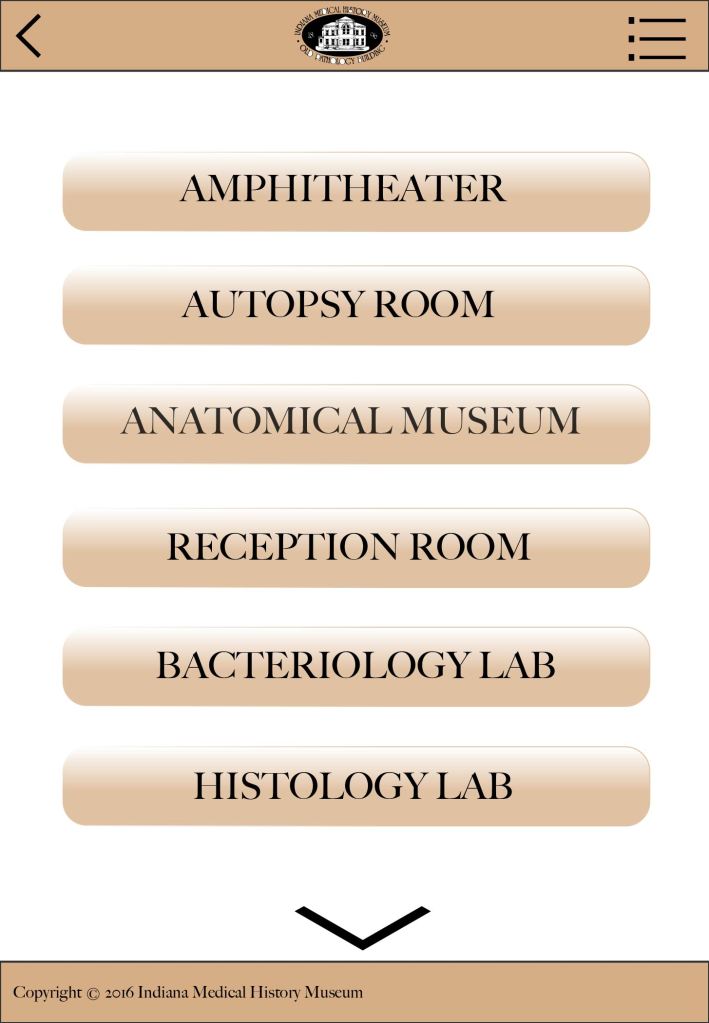
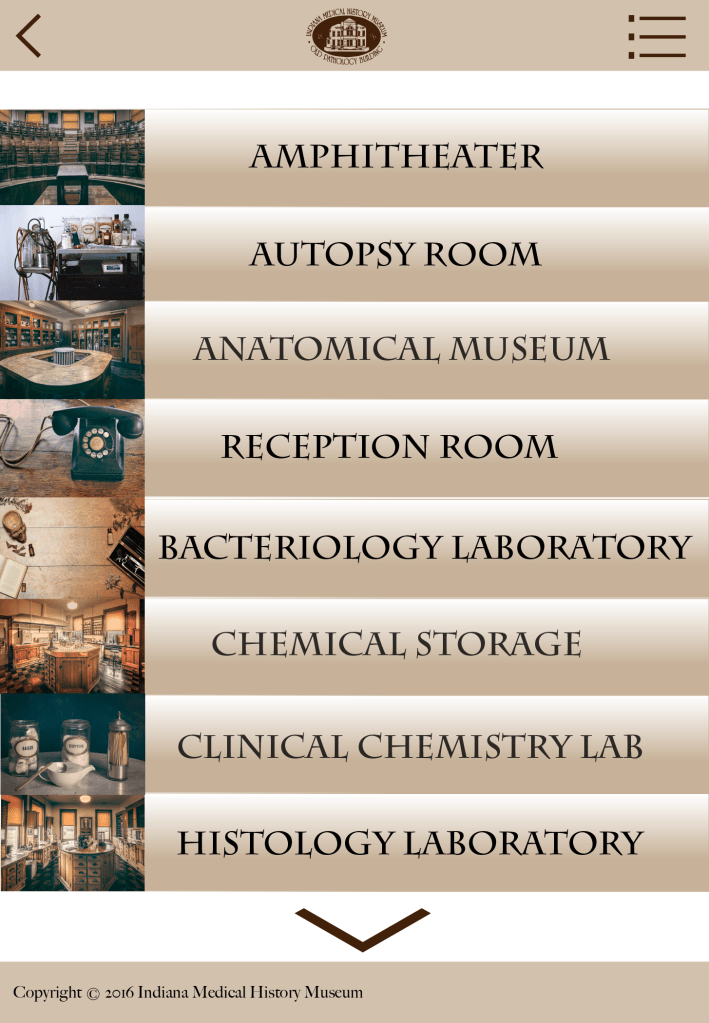
The first iteration of the room list lacked photographs. The general feedback about this page was to include images for context and visual interest so the second iteration included images for each room.
TEST
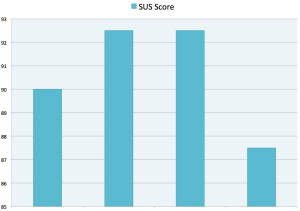
After the concept evaluations, a second iteration was created and then a round of user testing was performed. Four participants were given a set of tasks and then asked to complete a questionnaire based on the system usability scale (SUS). The graph below shows each score based by participant. SUS scores are on a scale of 1 – 100 even though this graph maxes out at 93. You can see these results in the graph below. The average from these combined scores was high at 90.625, which falls in the top 10 percent.
Further testing was conducted with actual end users in the museum environment. The IMHM is currently working on funding to develop this application for use. A full report and findings can be viewed on the project dissemination site.
The full project dissemination site can be viewed here:
 LINDSAY KURBURSKY