
After compiling data from multiple contextual inquiries, sequence and artifact modeling was used to find the pain points that photographers face during their daily processes. These issues led to the development of 4P, an all-inclusive application that enables photographers to streamline their daily workflow.
OBJECTIVES
- Find pain points for photographers by performing contextual inquiries.
- Investigate commonalities in user process as well as user pain points.
- Produce findings from this research to develop solutions for these users.
- Produce high fidelity prototype of the proposed solution.
METHODS USED
- Contextual inquiry
- Affinity diagramming
- Sequence and artifact modeling
- Visioning sessions
- Storyboarding
- Low and High fidelity prototyping
- Concept evaluations
- User testing using SUS evaluations
- Motion graphics
- Video editing
The data for this project was gathered from six contextual inquiries that were conducted with a three-person team. The inquiries were conducted with six different photographers in regards to their daily processes, content management, sharing on social media and any legal issues that can arise within their professional practices.
We performed affinity diagramming, as well as sequence and artifact modeling after our inquiries, in order to better visualize our data. These methods led to individual brainstorming sessions where we each created a list of opportunities for improvement.
Affinity diagramming and modeling sessions
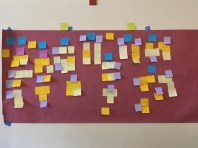
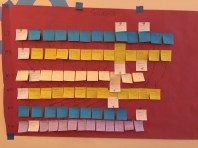
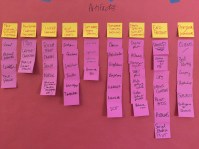
From these ideas, three of the best solutions were agreed upon by the team and visioning sessions were held for them. The three ideas explored included a photography dashboard geared towards photographers to help them manage the tasks they perform daily, a software system that automatically watermarks and resizes the images posted online, and an E-Learning platform specific to photographers that also helps connect them with clients via a rating system. The outcome of these sessions can be seen below.
Visioning sessions
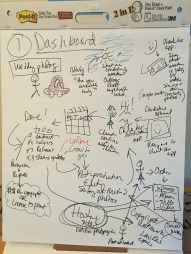
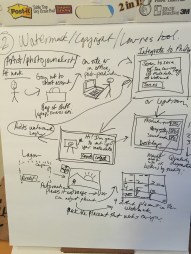
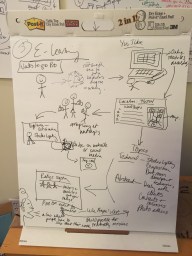
From these results, storyboards were created for our team in order to get a feel of how these applications would function in a real-world scenario. These storyboards can be seen below.
Storyboards
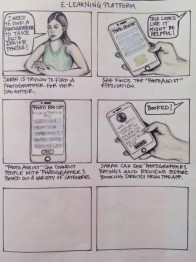
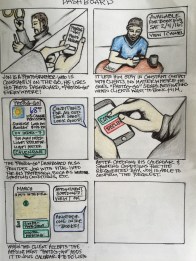
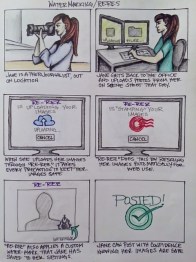
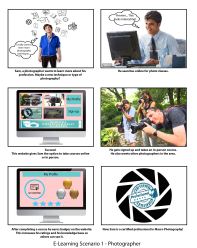
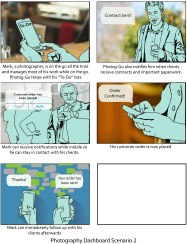
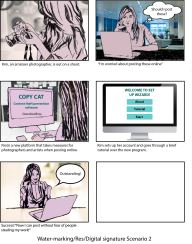
Storyboards created by Lindsay Kurbursky
From these storyboards, the team decided to further develop the photography dashboard solution. This solution seemed like it would be the best option overall because of it’s various functionality. This resulted in the creation of an all-in-one application to help streamline photographers work processes.
Low Fidelity Prototype
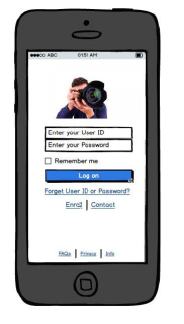
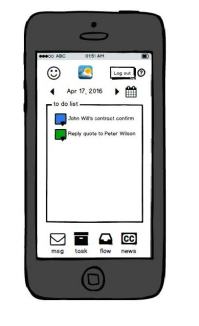
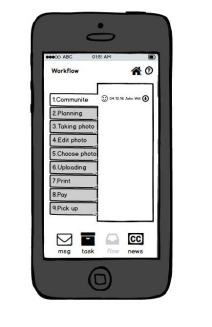
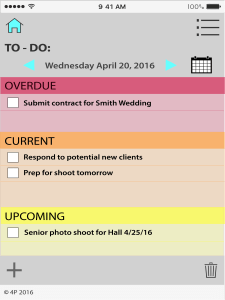
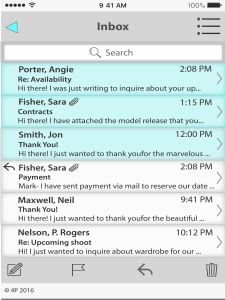
From the low fidelity prototype, we developed a rough structure of the intended application. This was taken back to the original participants from our contextual inquiry for concept evaluations and general feedback. Through these concept evaluations, it was found that some of the menu options were not clear or seemed repetitive. The overall comments were positive and the participants seemed to be very excited about the concept of an all-in-one application since they currently used many different applications to keep track of their work processes. It was also decided to design around a tablet interface instead of a mobile one because of the overall feedback from the concept evaluations. The UI that was produced from the low fidelity prototype and concept evaluations can be seen below.
User Interface
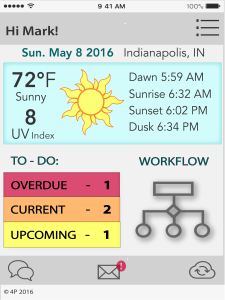

High Fidelity Prototype
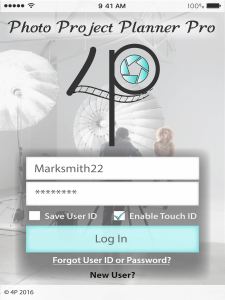
Marvel was used to build the prototype for Photo Project Planner Pro, which can be viewed using the link below:
Product Demo
A product demo video was also created using Adobe After Effects. Which can be viewed here:
 LINDSAY KURBURSKY